
Web Wallet
The Cloud Service web wallet is the official browser-based wallet, available at wallet.cscloudservice.com.
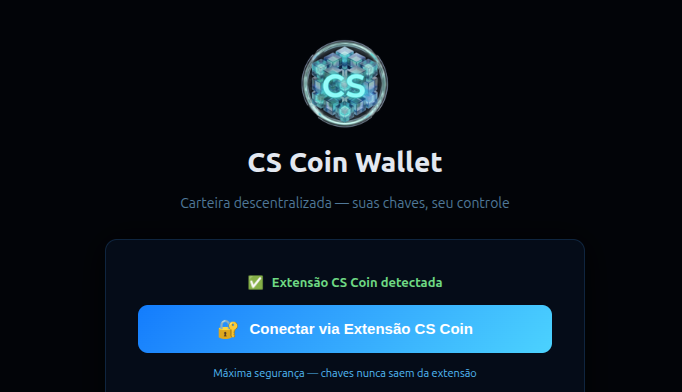
It is a decentralized wallet — your keys, your control. The web wallet integrates with the CS Coin browser extension to sign transactions securely without ever exposing your private keys.
How It Works
- The web interface at wallet.cscloudservice.com handles the UI and transaction building
- The CS Coin browser extension holds your keys and signs transactions locally
- Your private keys never leave the extension — maximum security without sacrificing convenience
Setup
1. Install the CS Coin Extension
Install the CS Coin extension from the Chrome Web Store.
2. Access the Web Wallet
Visit wallet.cscloudservice.com. If the extension is detected, you will see:
✅ CS Coin extension detected Connect via CS Coin Extension
Click the button to connect.
3. Start Using Your Wallet
Once connected, you can:
- View your CS balance
- Send and receive CS tokens
- Sign transactions securely via the extension
Security
| Feature | Detail |
|---|---|
| Key Storage | Keys stored in browser extension only |
| Signing | All transactions signed locally |
| Custody | Non-custodial — you control your keys |
Tip: Always verify you are on
wallet.cscloudservice.combefore connecting your extension.
Next Steps
- Wallet Overview — Back to overview
- RPC Commands — CLI reference