
Wallet Overview
Cloud Service offers two official wallet options for storing, sending, and receiving CS tokens securely.
Available Wallets
| Wallet | Type | Security | Best For |
|---|---|---|---|
| Web Wallet | Browser | Very High (keys in extension) | Daily use, ease of access |
| CLI Wallet (cs-cli) | Terminal | High | Advanced users, node operators |
Web Wallet
The official Cloud Service web wallet is available at wallet.cscloudservice.com.
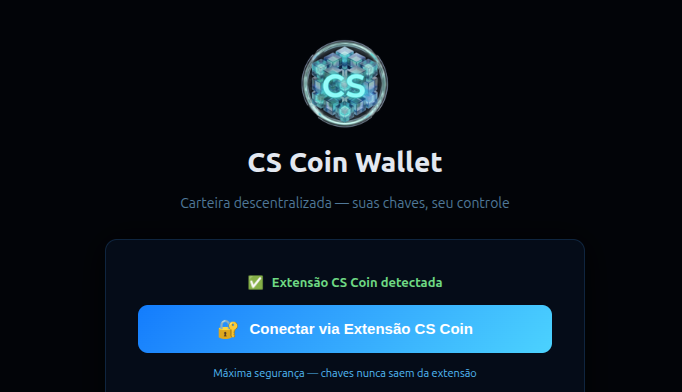
It is a decentralized wallet — your keys, your control. The web wallet works together with the CS Coin browser extension, which signs transactions locally so your private keys never leave your device.
Features
- ✅ Access from any browser
- ✅ CS Coin extension for secure transaction signing
- ✅ Keys never leave the extension
- ✅ Decentralized — no custodian involved
Getting Started
- Visit wallet.cscloudservice.com
- Install the CS Coin browser extension
- Click Connect via CS Coin Extension
- Your wallet is ready to use
CLI Wallet (cs-cli)
The command-line wallet is included with the Cloud Service node software and is ideal for advanced users and node operators.
Basic Commands
bash
# Generate new address
cs-cli getnewaddress

# Check balance
cs-cli getbalance

# Send CS
cs-cli sendtoaddress "destination_address" amount

# Check transaction
cs-cli gettransaction "txid"
Wallet Security
bash
# Encrypt wallet
cs-cli encryptwallet "your_strong_password"

# Backup wallet
cs-cli backupwallet /path/to/backup/wallet.dat

# Export private key
cs-cli dumpprivkey your_address
Wallet Recovery
If You Forget Your Password
Cloud Service wallets use strong encryption. If you forget your password:
- The wallet cannot be decrypted
- Funds are permanently locked
- Always store your password securely
If You Lose Your Wallet File
bash
# Stop the daemon
cs-cli stop

# Replace wallet file
cp /backup/wallet.dat ~/.cs/wallet.dat

# Restart
csd -daemon

# Rescan blockchain
cs-cli rescanblockchain